VoIP Detective can be configured to sync with an NTP (network time protocol) server. Maintaining an accurate time is essential for processing records accurately. This guide can help you sync your virtual machine clock to an external source.
1. Using SSH, or your hypervisor console, connect to the command line of VoIP Detective. The default username is cliadmin.
2. choose the option to "configure Linux OS Services"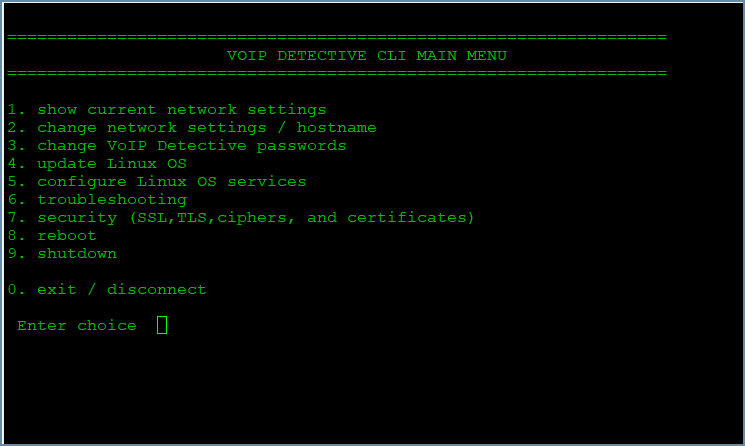
3. choose NTP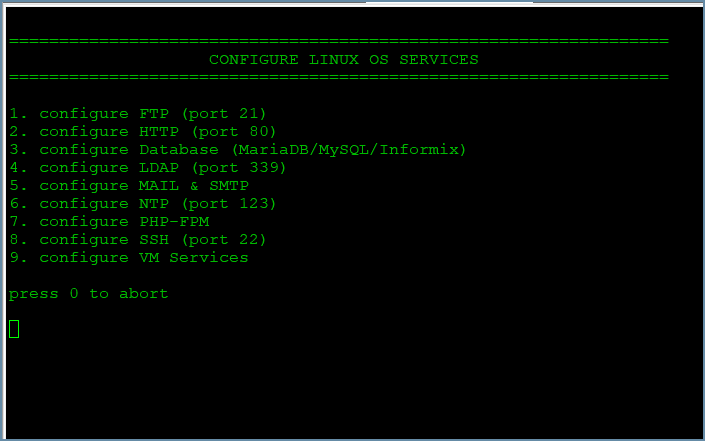
4. choose the option to "enable NTP and set a server address"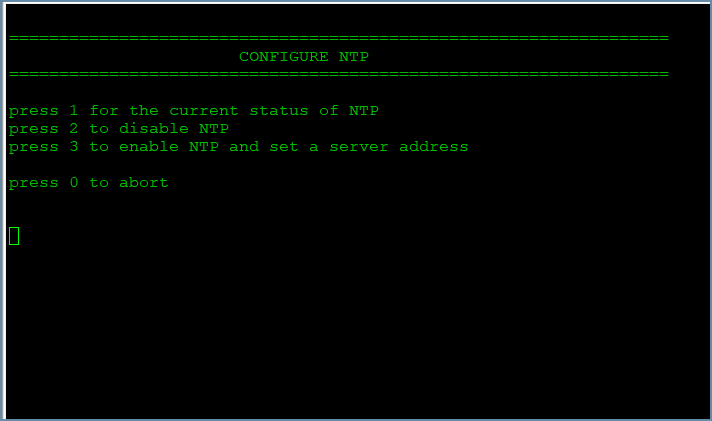
5. you are free to enter an IP address or hostname. Here we entered "pool.ntp.org"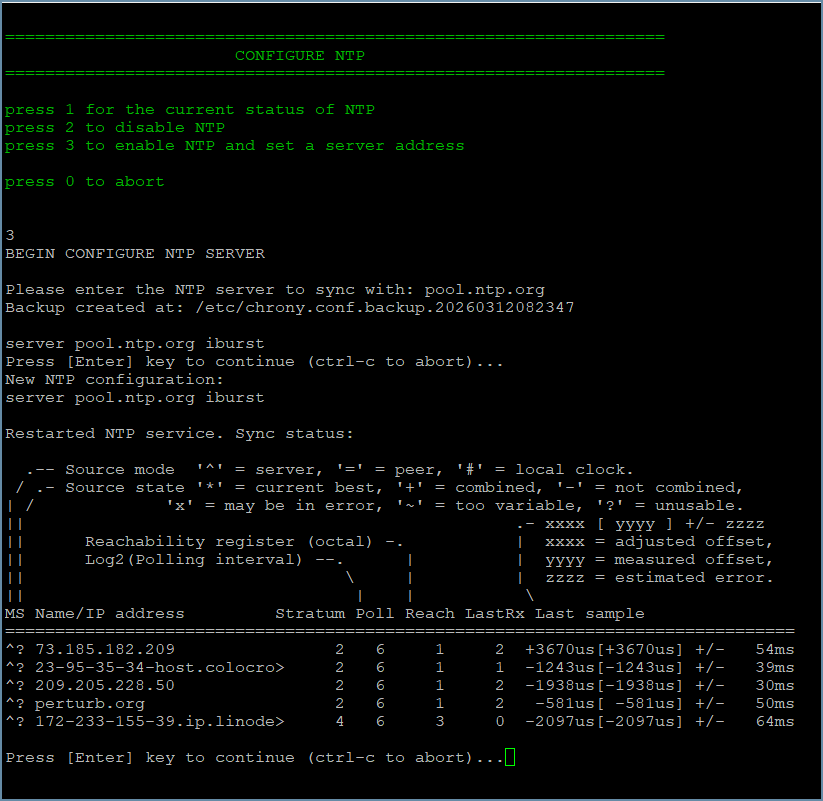
That is all that is needed to enable NTP on a VoIP Detective VM.
Was this article helpful?
That’s Great!
Thank you for your feedback
Sorry! We couldn't be helpful
Thank you for your feedback
Feedback sent
We appreciate your effort and will try to fix the article